DeepSeek Harness Desktop: How to Install and Add Plugins on Windows and Mac
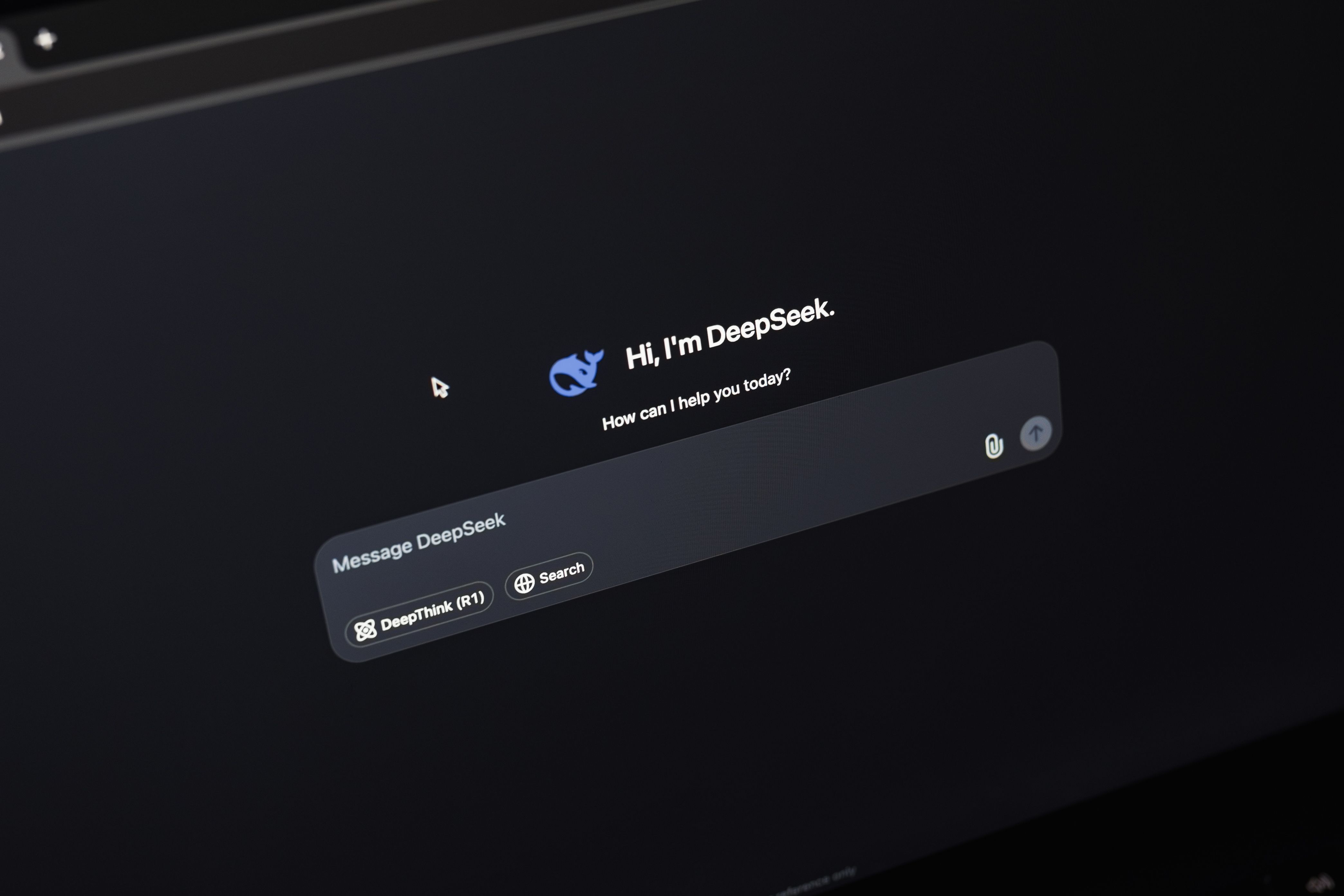
DeepSeek Harness Desktop is a new DeepSeek desktop client that now ships for both macOS and Windows. This guide covers what is known about the release, how to prepare for installation, and how to approach plugin setup on both platforms.
TL;DR
- DeepSeek Harness Desktop has been released for macOS and Windows at the same time, so there is no platform-exclusive version.
- The announcement on Hacker News reached 375 points and 196 comments, which shows strong developer interest.
- The community is already discussing the tool actively, so early feedback and workarounds appear quickly.
- The announcement itself did not detail the feature set, so treat third-party claims about capabilities with caution.
- Both Windows and macOS users can follow the same high-level flow: download, install, sign in, then configure.
What DeepSeek Harness Desktop Is
DeepSeek Harness Desktop is a desktop application from the DeepSeek family. The key fact from the release announcement is simple: it is now available for two desktop platforms, macOS and Windows.
The announcement did not spell out the internal capabilities in its headline. That means the exact feature list is not confirmed by the source material, and any specific claim about tools or functions should be verified against the official release.
Because DeepSeek already offers assistant-style products, many people will compare the desktop harness to the chat assistants they already use. If you want that broader picture first, our ChatGPT, Claude, Gemini, DeepSeek comparison puts the assistants side by side.
Windows and macOS Support
The most important practical detail is platform parity. DeepSeek Harness Desktop launched for macOS and Windows together — not Windows first and Mac later, and not the other way round.
That matters for teams. If half your group uses Windows laptops and half uses Macs, you do not have to split your workflow or wait for a port.
For Windows users who also want to understand how AI is being folded into the operating system itself, our guide to Windows with AI: Copilot and neural networks is a useful companion read before you install anything new.
How the Community Reacted
The Hacker News thread is the clearest signal we have so far. The announcement collected 375 points and 196 comments.
Those two numbers together are the interesting part. A high score means visibility; a high comment count means people had something to argue about, test, or ask. A post that is merely upvoted usually does not generate 196 replies.
The practical takeaway: if you hit a problem during setup, someone has probably already discussed it. Community threads tend to surface installation quirks, platform differences, and first-run issues within hours of an announcement.
How to Install DeepSeek Harness Desktop
The announcement did not publish a detailed installation procedure. The safe, platform-neutral checklist below reflects what any desktop client install requires, and it works for both macOS and Windows.
- [ ] Confirm your OS: macOS or Windows — both are officially supported.
- [ ] Get the build only from the official DeepSeek source, not from mirrors or reposts.
- [ ] Check that you meet the system requirements listed with the download.
- [ ] Close other heavy applications before the first launch.
- [ ] Sign in with your DeepSeek account after installation.
- [ ] Open the settings panel and note which integrations are offered in your build.
A simple way to think about the sequence:
1. Download the installer for your platform — expected result: a native macOS or Windows package, not a web wrapper.
2. Run the installer and complete the prompts — expected result: the app appears in Applications on macOS or in the Start menu on Windows.
3. Launch and sign in — expected result: you land on the main interface.
4. Open settings and review available options — expected result: you see what your version actually supports.
If you are setting up a fresh machine at the same time, our Windows 11 26H2 step-by-step install guide covers the OS side so you are not troubleshooting two things at once.
Connecting Plugins: What to Do Safely
The release announcement did not describe a plugin system for DeepSeek Harness Desktop. There is no confirmed plugin list, no confirmed marketplace, and no confirmed extension format in the source material.
That does not mean plugins are impossible. It means you should verify before you install anything.
The safe approach: open the app, go to settings, and look for an extensions, integrations, or plugins section. If it is there, follow the in-app instructions — those are authoritative for your build and your platform.
If it is not there, do not install third-party extensions that claim to add plugin support. Unknown plugins that hook into a desktop AI client have access to your data, and the announcement gives no basis for trusting any of them yet.
For general context on how plugin-style features work in AI assistants, our guide on ChatGPT voice mode and plugins explains the usual pattern: an official store or in-app toggle, not a random download.
What Is Still Unknown
Plenty. The announcement headline confirmed the platforms and nothing more about capabilities.
So the honest state of play is this: the app exists, it runs on macOS and Windows, and the developer community is paying attention — 375 points, 196 comments.
Everything else, including plugin support, should be treated as unconfirmed until it appears in official documentation or in the app itself.
FAQ
What is DeepSeek Harness Desktop?
It is a DeepSeek desktop application that has been released for macOS and Windows. The announcement did not detail its full feature set.
Which platforms does DeepSeek Harness Desktop support?
macOS and Windows, released together. There is no announced platform-exclusive version.
How do I connect plugins in DeepSeek Harness Desktop?
Check the app's settings for an extensions or integrations section and follow the in-app instructions. The release announcement did not confirm a plugin system, so third-party plugin installers should be avoided.
Is DeepSeek Harness Desktop worth trying?
The Hacker News announcement reached 375 points and 196 comments, which signals strong interest from the developer community. Whether it fits your workflow depends on features that the announcement did not describe.